
In photography circles, opinions will always be divided
But before I begin. I’ve told you before and I’m telling you again.
DxO has provided the software I use at no cost, and I am a DxO affiliate. That does not mean I have to sing to DxO’s tune. The comments I make here are my own.
There are free trials for all DxO products available so you can try before you buy. Then when you do buy, use the code RickH15 at the DxO store checkout. You will get a 15% discount on any new DxO product; and I may receive a small commission – at no extra cost to you.
Opinions will always be divided over what makes a good photo a good photo. Some people will look at a good photo and see a bad photo. Some people will look at a bad photo and see a good photo.
Similarly opinions will always be divided about what is the best photo editing software. Is DxO Photolab better thn Lightroom? Or is Capture One the best of the bunch? Or maybe Luminar beats them all? And how about the freebies – Darktable, RAWTherapee, Gimp – and so on. And so many others I’ve never heard of. Whatever…
But for me, DxO Photolab 9 combined with DxO FilmPack comes close to doing everything I need to do with my images. Quickly. Efficiently. Without fuss. In my opinion!
Does Photolab have any shortcomings? Of course it does. One of those shortcomings is that FilmPack is needed as an add-on to do one or two basic tasks. For example – add a frame – a border – not possible in standalone Photolab. Come in FilmPack.
You could do that using the Nik Collection but that involves exporting and importing images. Although the integration between Photolab and Nik is very tight. Still two apps. Working together.
When FilmPack is added to Photolab they literally work as one. Fully integrated. No need to leave Photolab. No exporting or importing. FilmPack’s “finishing” functions appear in the Effects tab of Photolab. Natively. Just as the film emulations appear natively in the Color tab.
See – there’s another shortcoming of Photolab. Color should really be Colour. At least where I come from.
Add and fine tune film emulations. Add borders. Add grain. Add a watermark. Light leaks; texture; blur; and more.
This makes the combination close to an all-in-one photo editor. Or processor. In my opinion. Provided you don’t want to do sky replacements. Or remove large objects such as people. Photolab’s Retouch Tool is not the best of breed. That’s one of the reasons I don’t remove too much stuff in my images. Or clone bits and pieces.
All this stuff happens of course after Photolab’s top-shelf RAW processing, optical corrections, noise reduction, etc. Well, in my workflow it happens after.
I haven’t been out taking photos lately. Well, not specifically photo-walking.Been busy moving house. Been a bit ill. Weather’s been lousy. Been lazy. All the same-old, same-old reasons.
Oh – and waiting on delivery of a new camera!
So I thought I do some desk work and poke a few of my older images through the nearly-all-in-one DxO Photolab/FilmPack photo editor. Processor. Whatever.
Photo number one. This cat often sits on the yellow lid wheelie bin and watches the world go by. And me. It was taken just a few houses up our “old” street. I say “old” street because we’ve been in our “new” street just over a week, New home in fact!
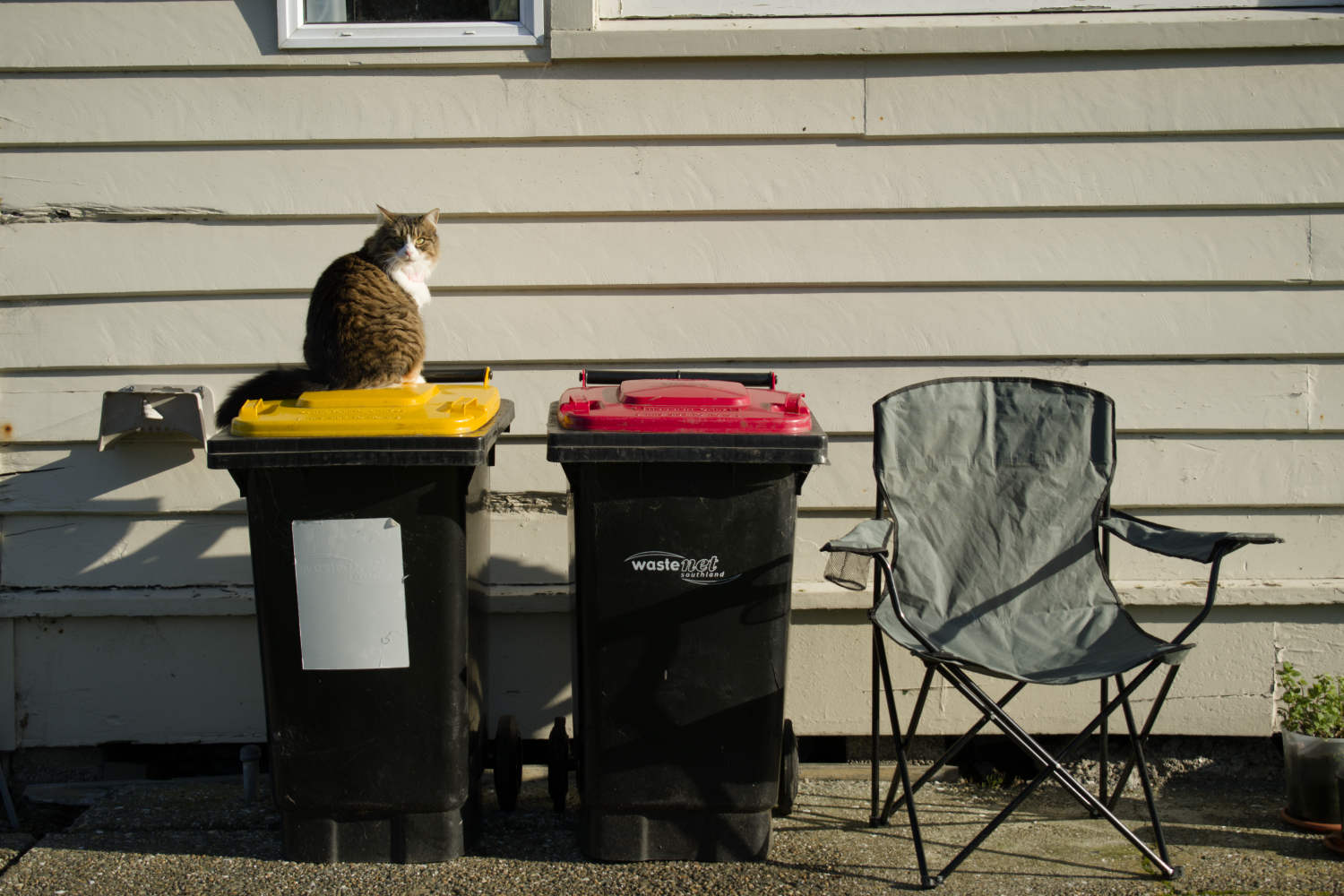
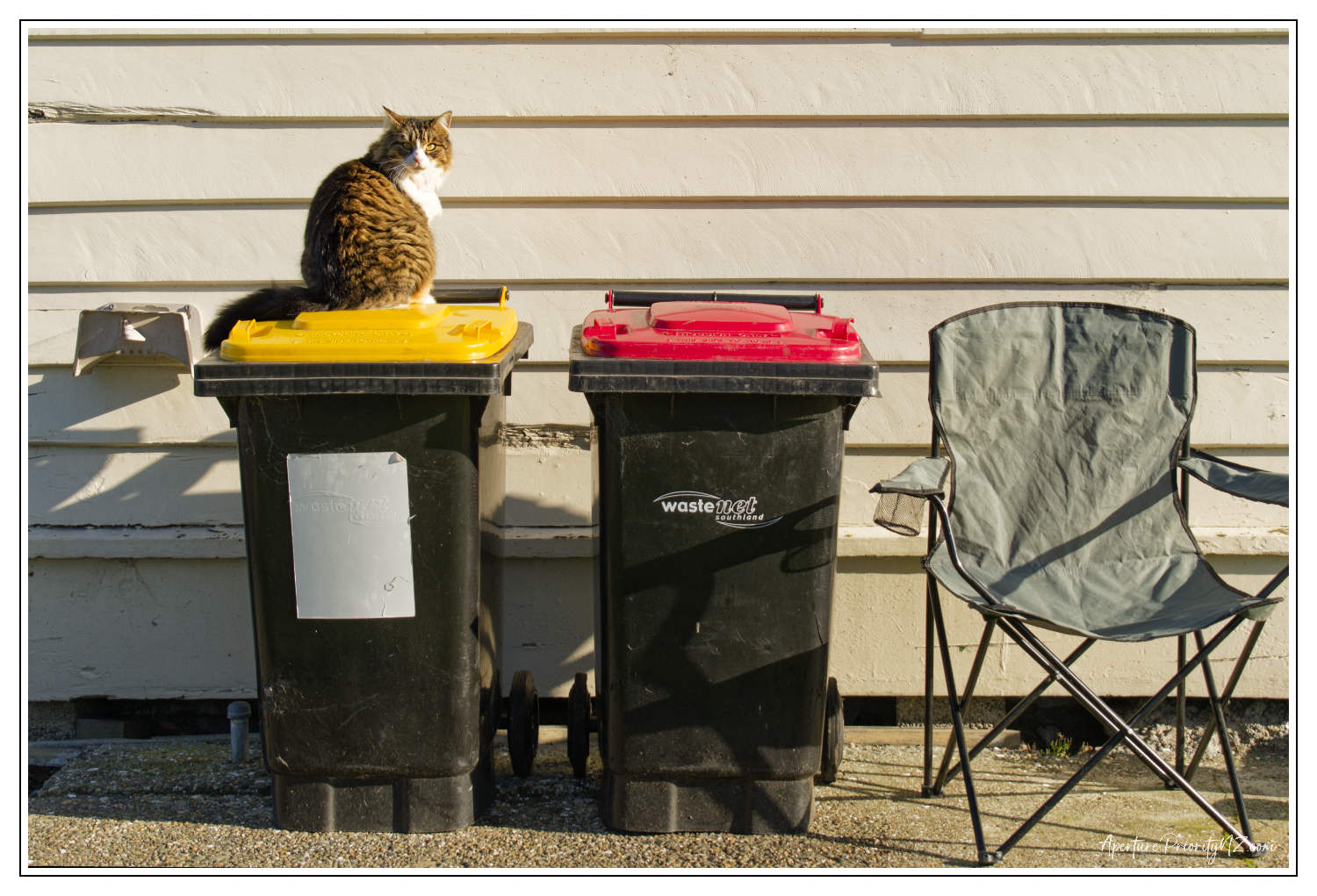
In each case the Before image is on the left. Basic unprocessed RAW file saved as a JPEG. The After is on the right. Unless I’ve accidentally got them the wrong way around.
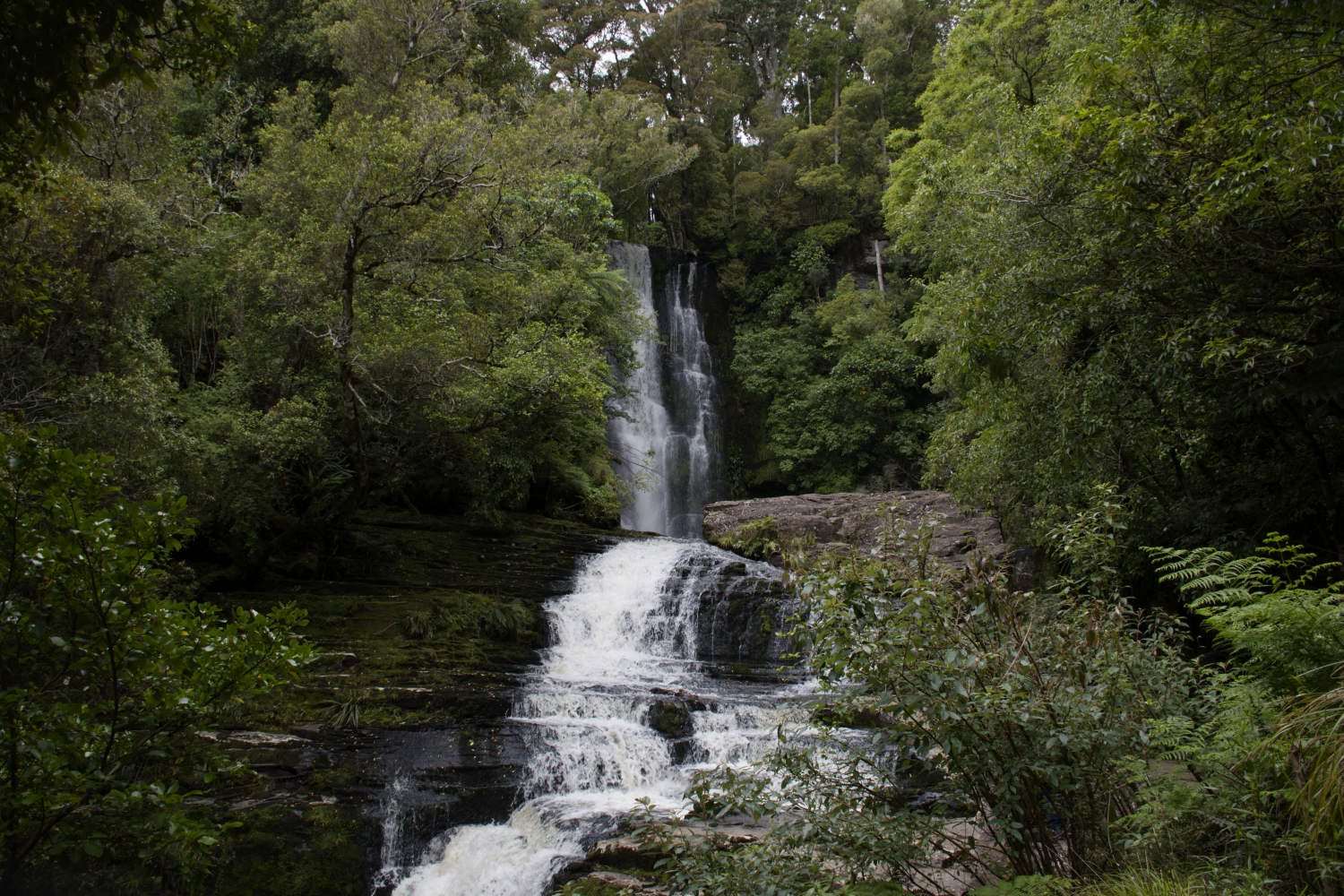
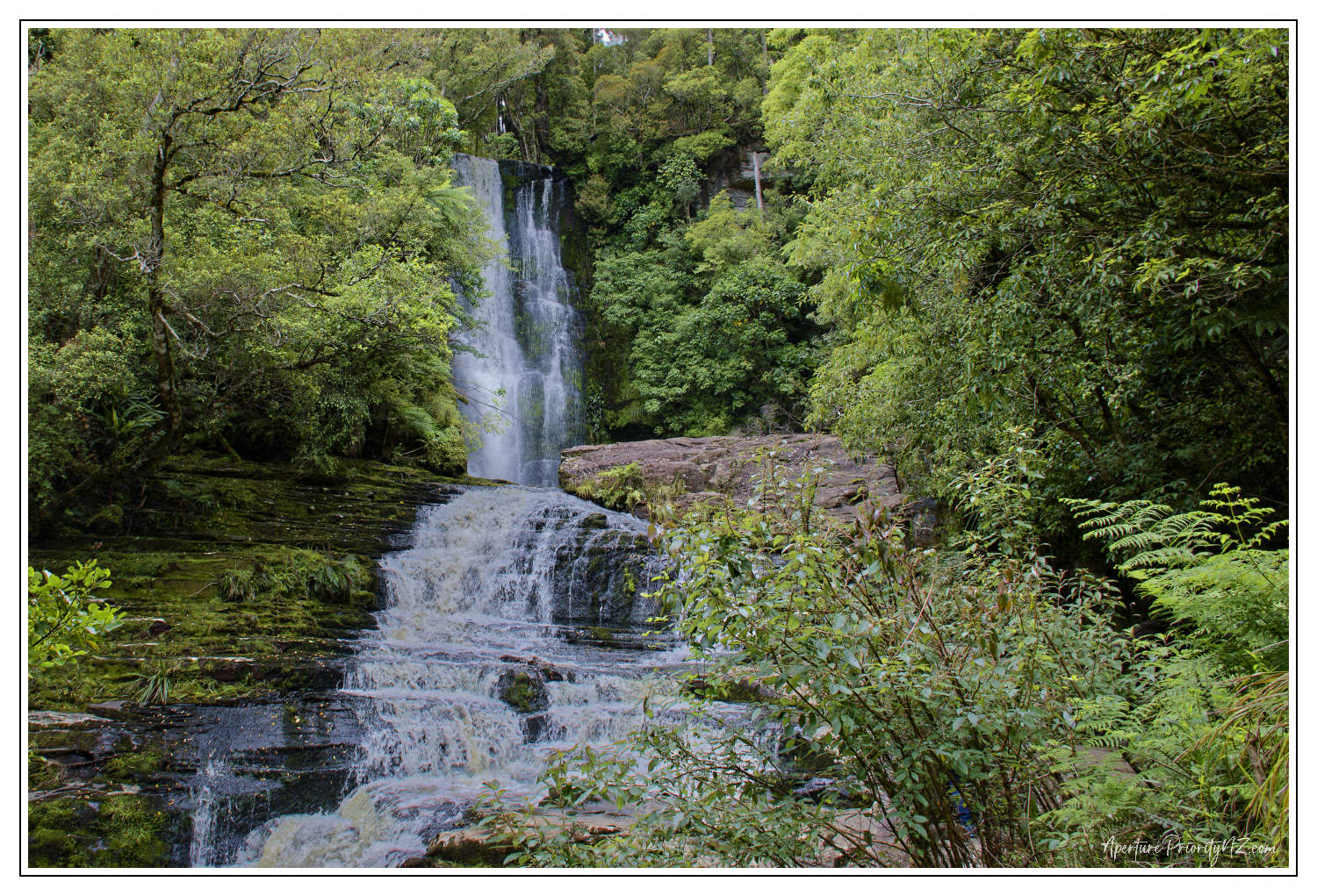
McLean Falls (above) was taken on a dull day in late summer. The green of the bush was bloody dull. Not typical vibrant New Zealand bush green. I got the exposure wrong. Probbably wrong white balance too. The framing wrong. The composition wrong. My excuse is that it was my first long photowalk after my hip replacement.
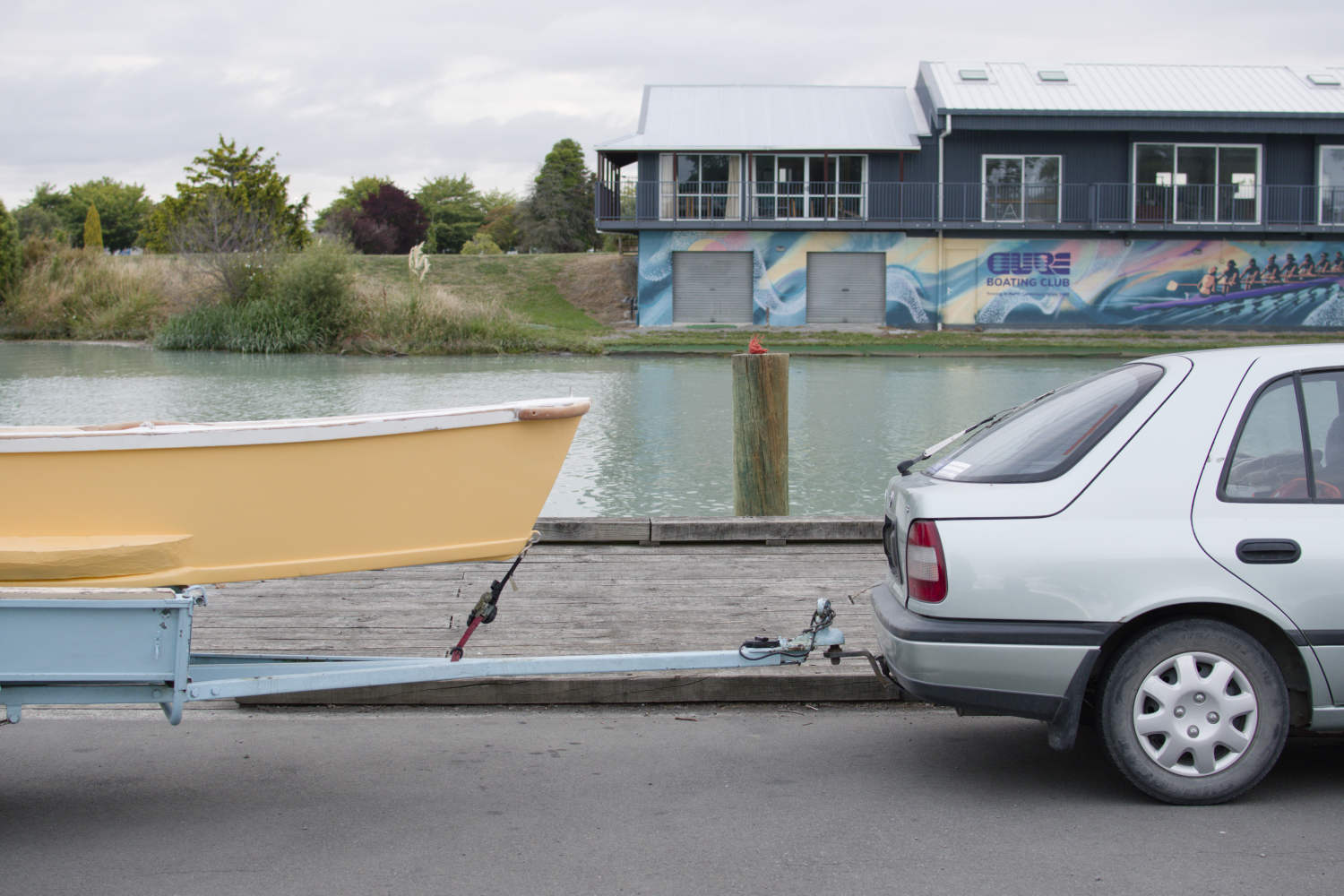
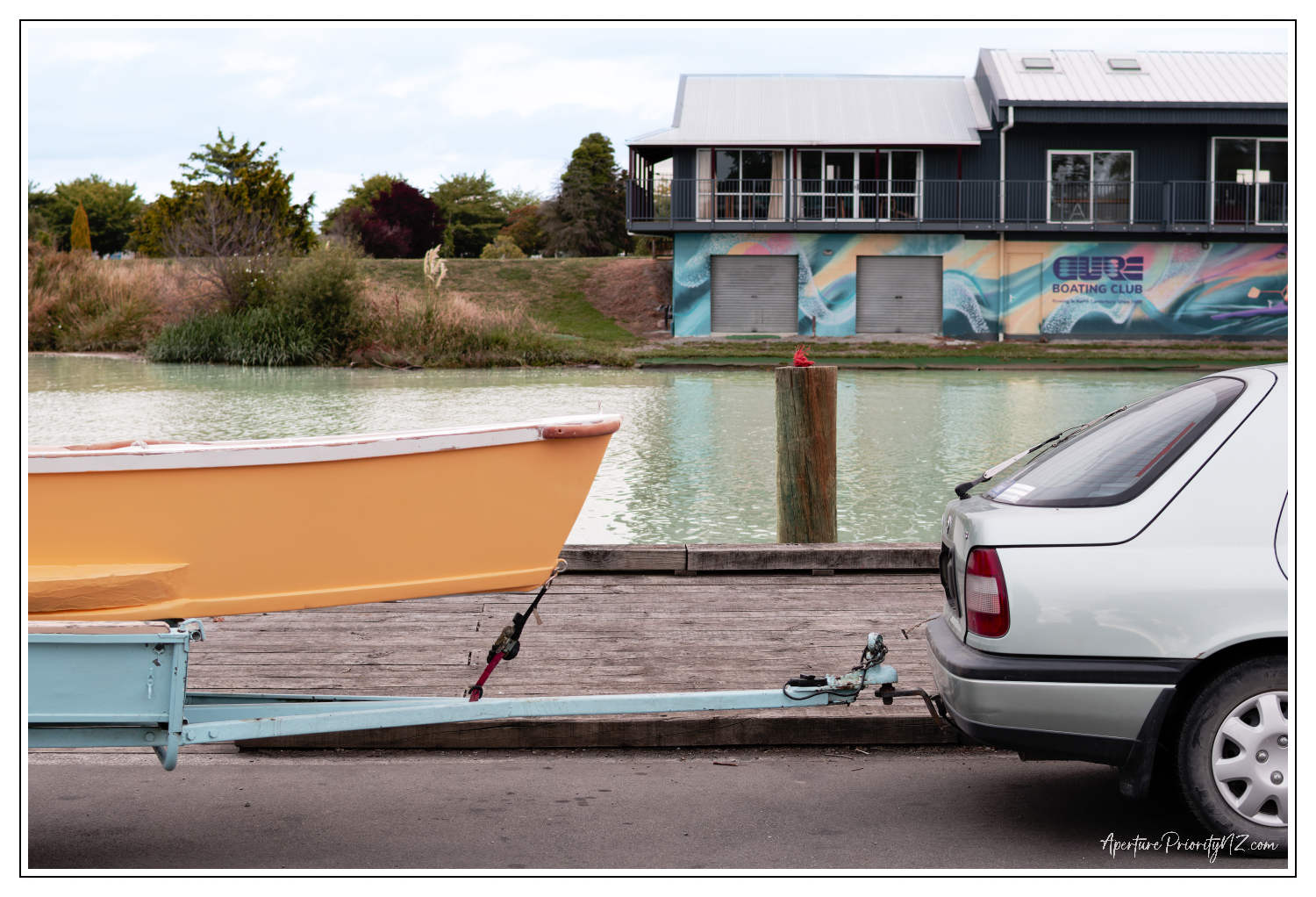
You may have seen this one before. Beside the Kaiapoi River. Processed a little differently here.
More pleasant sky. Nicer orange on the boat. Life in the water. Not fish. More vibrant colours on the boathouse.
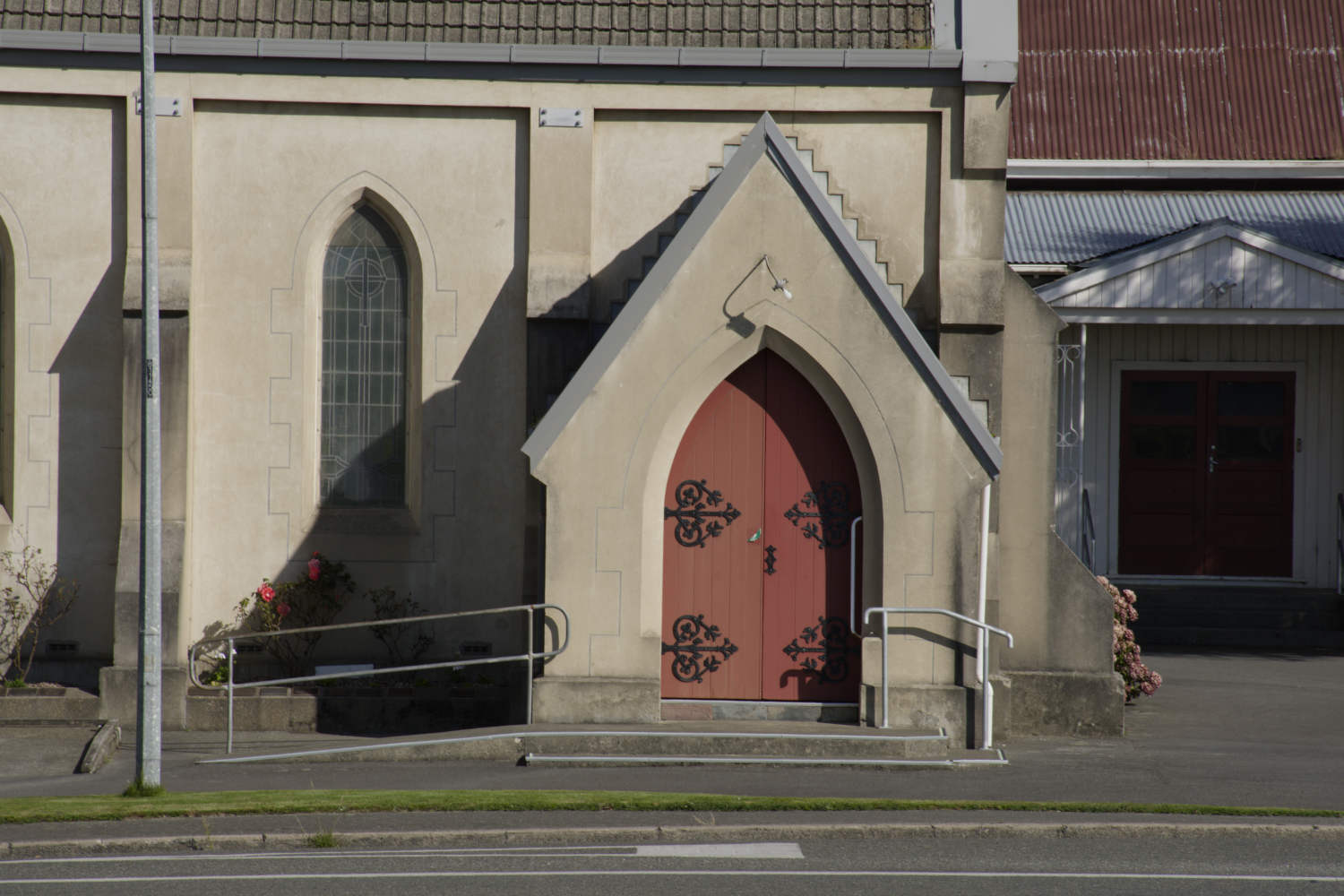
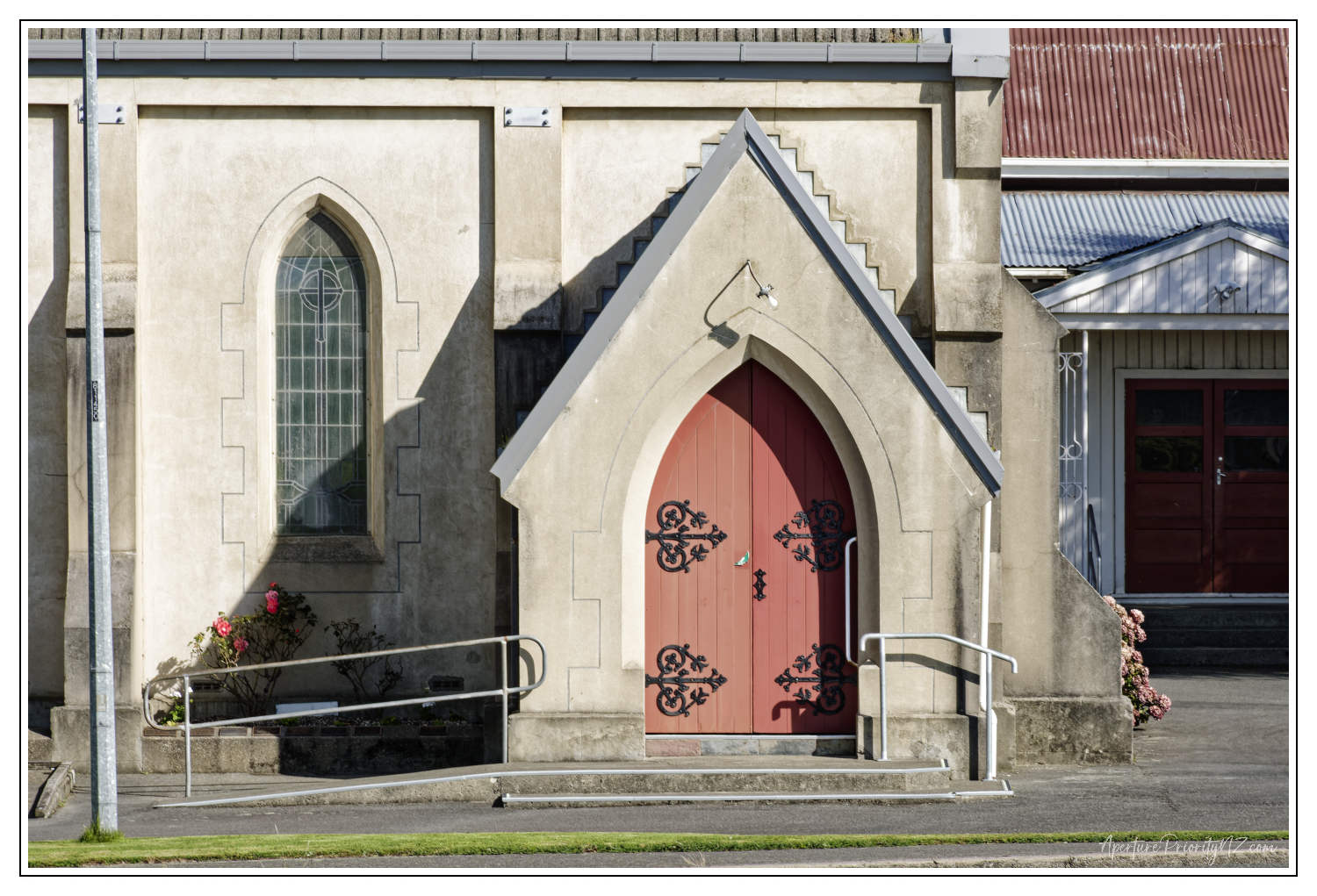
Next – All Saints Church. Just around the corner from the “old” place. You can’t see it from this angle, but a large arched window on the end of the church has been damaged. Vandalised. Not with a box knife like the Reflecting Pool. Probably a brick!
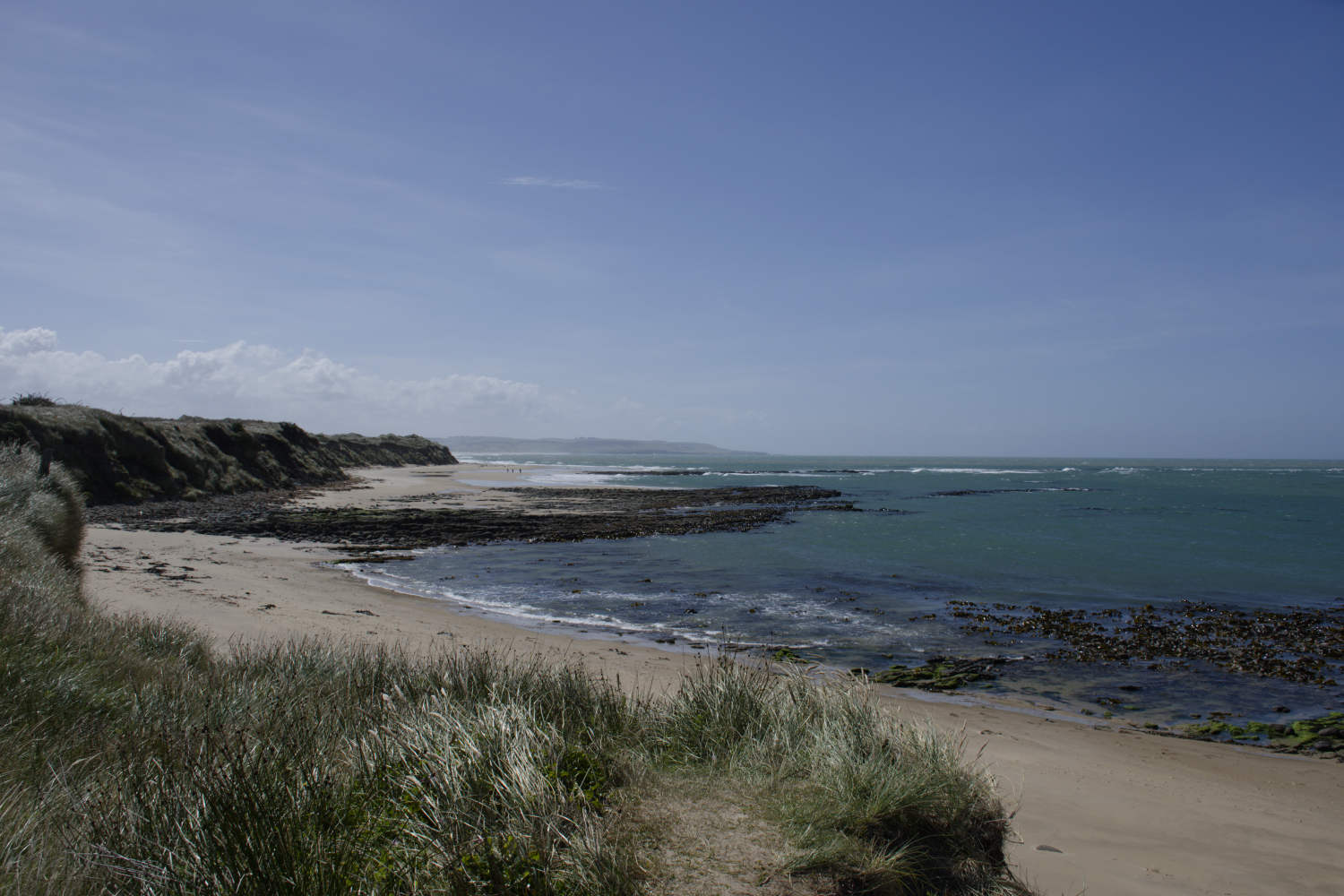
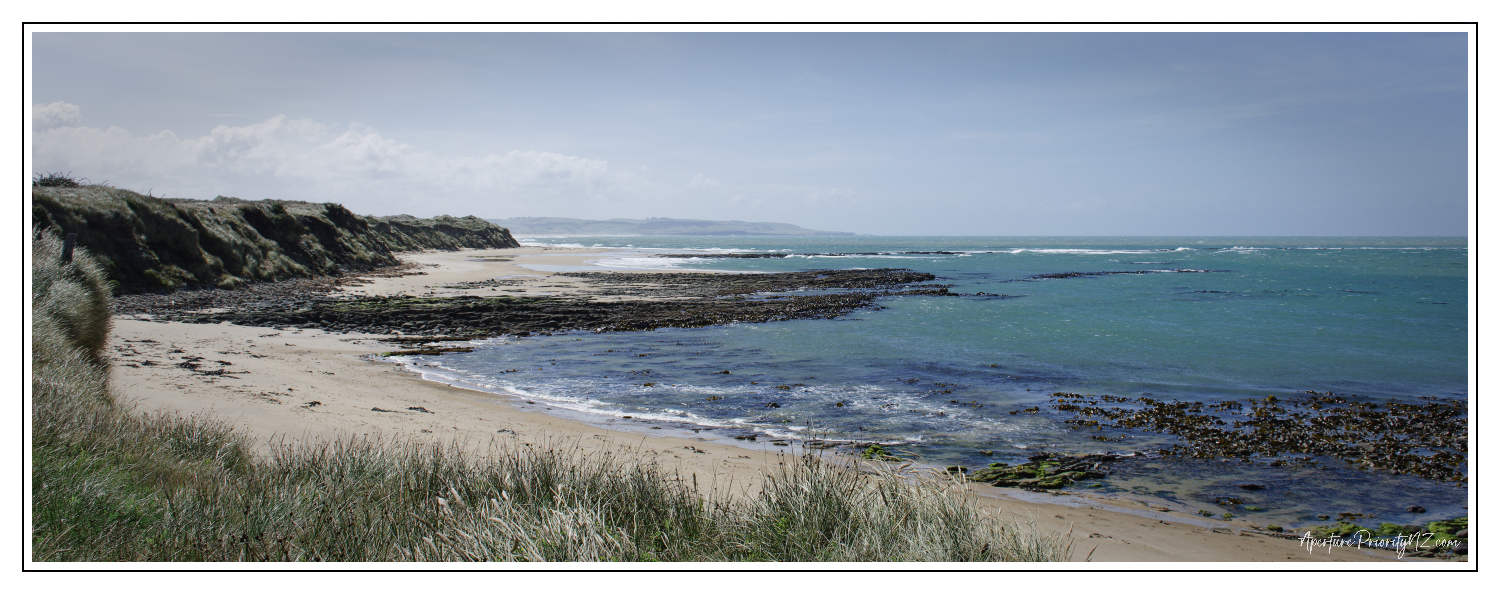
The before/after slider doesn’t work too well in this next one because of the x-pan/65×24 crop applied to this image of the beach at Waipapa Point.
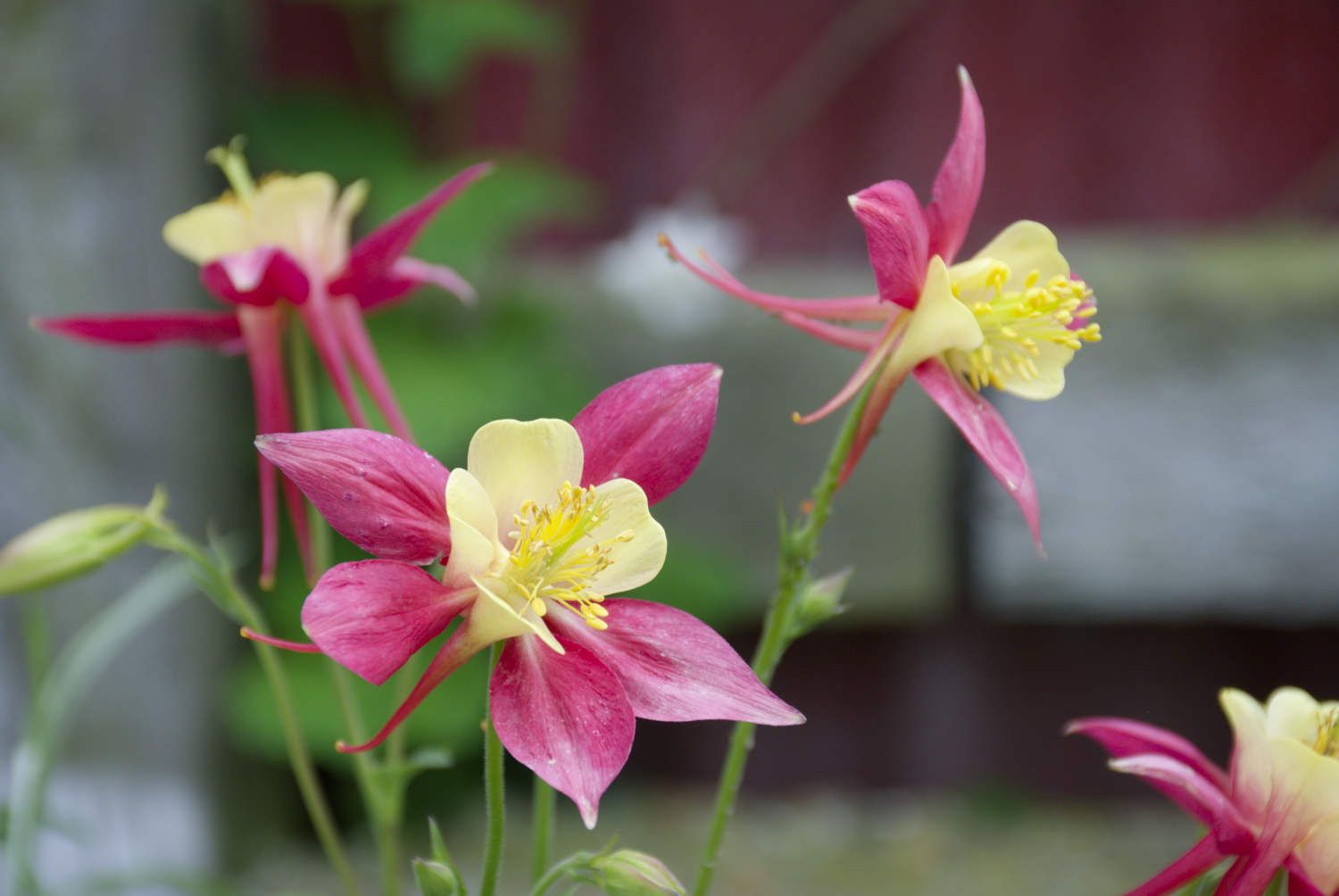
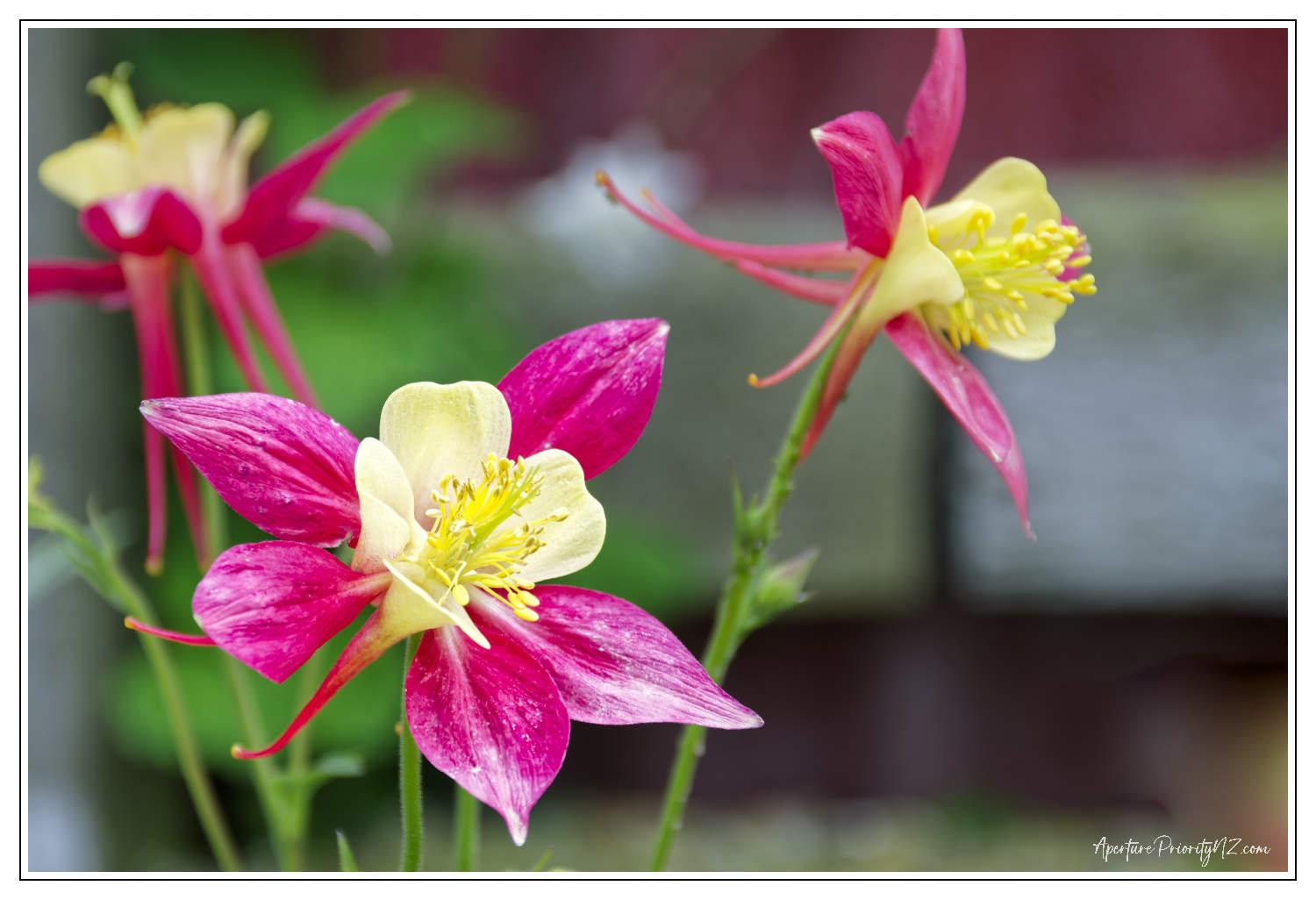
I don’t take photos of flowers. Until I do. An Aquiligia in the “old” garden. I like this one.
Vibrant sharp flower. Image cropped. And framed. Like all the others here.
I haven’t attempted to detail all the tweaks I made to these images. But in essence they covered all the standard Photolab 9 RAW processing corrections. Lens distortion. Noise reduction if needed. Lens sharpness optimization. Then maybe add a custom tone curve. A touch of film emulation. Crop. Local adjustments in one or two.
And so on…
As I said at the beginning opinions will always be divided over what makes a good photo a good photo. I’m not saying these are good photos. They are photos that I have enjoyed creating. Enjoyed editing. That’s what amateur photography is about – enjoyment.
But I do really like Aquilegia. Especially as I don’t take photos of flowers.
Enlarge in a slide show…