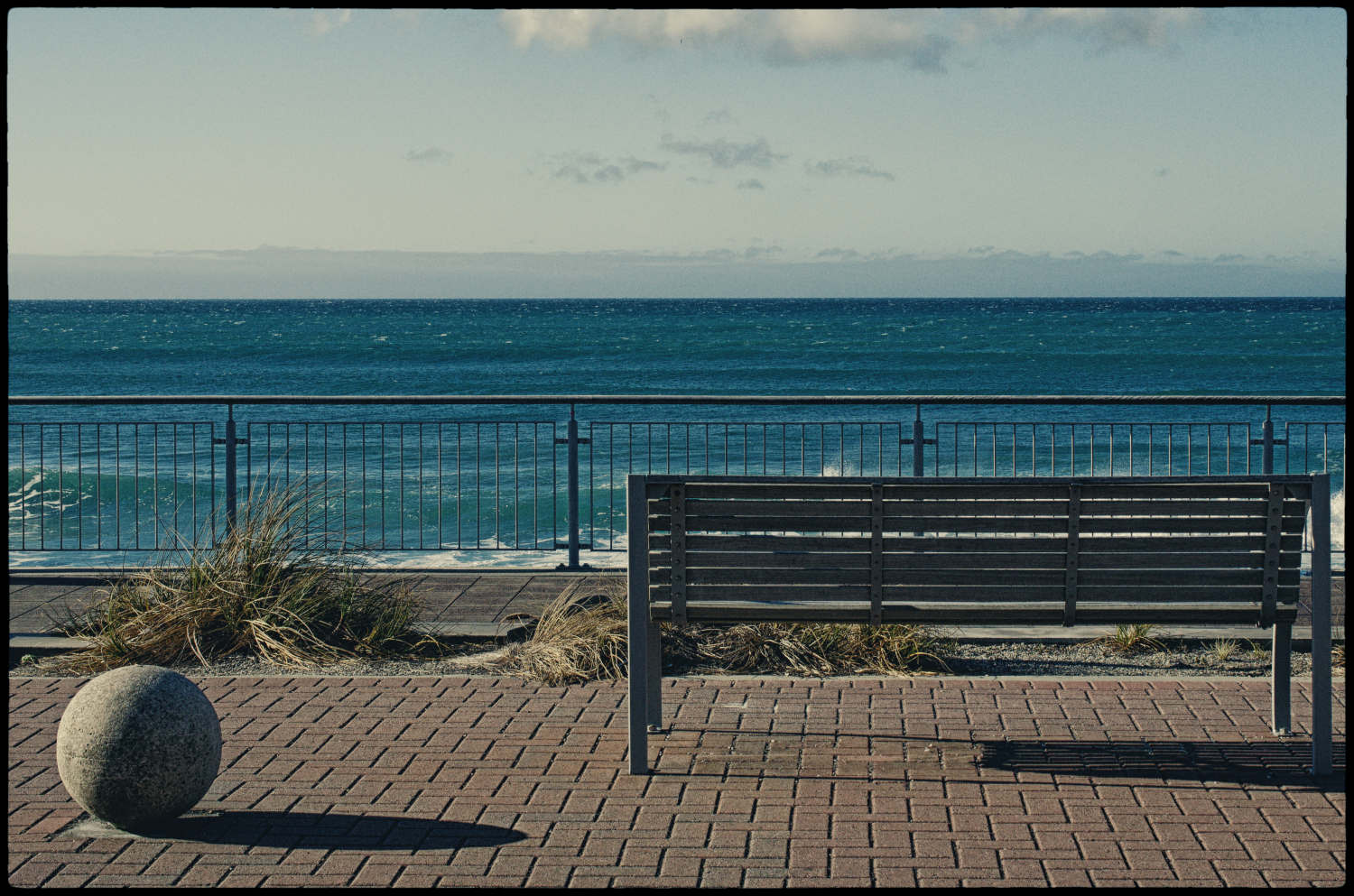
Is the combination of DxO PureRAW Plus Nik Collection a good workflow?
Before I get to the meat of the matter in this story, which is a video, I want to share wth you how I became a DxO Affiliate.
To do that, I need to turn the clock back. Rather, I need to turn the years back. Memory allowing.
I bought my first DSLR – a Nikon D5100 – in late 2012. Before that, I had never heard of RAW files, lens distortion correction, or even post-processing of images. It was always JPEGs straight out of camera. A Canon Powershot. Before that, a couple of early Lumixes. Getting the D5100 put me on a steep learning curve. Good old YouTube! And thank goodness for photography magazines. Real hard-copy mags you could hold in your hand. A lot around then. Not many of them survive these days.
My favourite was N-Photo. Yep – N for Nikon. Not a survivor. I did get others, too. You’ll probably remember that back in the day, photo magazines would sometimes give away photo software. Proper CDs with the software on them. No downloads back then. In mid-2014, one of the magazines I bought came with a CD of DxO Optics Pro 7. Something free. And useful. I got it. Ran it on a clunky old Windows PC.
That’s when I was hooked by DxO. About a year later, I bought DxO Optics Pro 9. Skipped version 8. Used my own money. Since then, I have been regularly upgrading through into the Photolab years. Still paying for it. Out of my own pocket.
Then, a couple of years ago, I got an unsolicited email from a nice person at DxO. He had been looking at my photoblog. Had seen that I was using Photolab. And the old free copy of Nik! Made me an offer I couldn’t refuse. So I didn’t. And that was when I became an “affiliate”. No money involved. Well, not directly. Just use the DxO software they sent and talk about it. Say whatever I want. Good. Bad. Ugly. No input from DxO.
I am still a DxO Affiliate. On the same terms. Except now I have a personal discount code, which, if you use it when you buy any new DxO software, YOU get a discount. And I will receive a small commission. Maybe. Almost adds up to enough to cover the cost of my website.
That discount code is RickH15. Use it at the DxO checkout for 15% off. You win. I win.
So that’s the back story.
I use the combination of DxO Photolab 9, FilmPack 8, and Nik Collection 9 as my go-to software 99% of the time. Tried other stuff. Don’t like it. Slow, buggy, new learning curve. Too much emphasis on AI. Subscription only! Maybe I’m getting too old to adapt and learn new stuff.
However, I did recently try out a potential new workflow to see if I could make it work for me. Had to be quick. Had to be easy. In other words had to work for me without too much change.
DxO PureRAW plus Nik Collection. Would they work together as a viable alternative to my normal routine?
Watch the video and find out.
As I said near the start of the video, DxO PureRAW 6 and the Nik Collection 9 are awesome pieces of photography software in their own right.
But in all honesty, by having to introduce digiKam asset manager into the mix, it just won’t work for me. I have never used an asset manager. And don’t intend to start now. If you missed the point – and you did – because I didn’t mention this, PureRAW doesn’t have an inbuilt image browser. Hence the need for an asset manager. Of some sort. The PhotoLibrary feature in Photolab works fine for me. Always will. No need to change.
But just because the digiKam plus DxO PureRAW plus Nik Collection combination doesn’t work for me doesn’t mean to say it won’t work for you. You may already have an asset manager that will do the horizon levelling. And the cropping. And erase unwanted objects. Or clone. If it works for you – fine!
So I’ll be sticking with what I normally use. Photolab plus Nik. Plus FilmPack.
It’s pretty hard to teach an old dog new tricks. Although I am learning how to make videos for YouTube. Sort of.
Download free trials of DxO software so you can try before you buy.
Remember my code at the DxO shop checkout. RickH15. 15% discount for you. And a wee commission for me.